Excerpt:
Recording a partner buyout in QuickBooks requires a disciplined, multi-step process that merges legal compliance with precise double-entry accounting to ensure the balance sheet accurately reflects the new ownership structure. This highly specialized transaction necessitates gathering key documents, including a Buyout Agreement and Valuation Statement, before any data entry. The payment to the departing partner should be recorded using a Write Check transaction (categorized to the partner's Equity Account) rather than a Journal Entry for better bank reconciliation. The final step involves a formal Journal Entry to Debit the selling partner's Equity Account and Credit the Cash Account, eliminating the partner's capital balance. Given the significant tax implications (e.g., capital gains and "hot asset" rules), consultation with a CPA is essential to correctly handle complex allocations and guarantee regulatory compliance.
 Add As A Preferred
Highlights (Key Facts & Solutions)
Overview
When a business partnership changes, one of the most significant transactions is a partner buyout, where one partner purchases the ownership interest of another. This process not only affects the business’s ownership structure but also impacts the financial records, including the balance sheet and profit and loss statements. Accurately recording a partner buyout is essential to reflect these changes in QuickBooks, whether you’re using the desktop or online version.
In this guide, we’ll walk you through the critical steps to record a partner buyout, from creating equity accounts for each partner to making necessary journal entries. We’ll cover how to manage the buyout payment, update the equity accounts, and adjust the balance sheet to reflect the changes in ownership. With careful attention to financial reporting, asset management, and tax considerations, you’ll ensure that your QuickBooks records provide a clear, accurate picture of your business’s financial health.
Properly documenting a partner buyout is crucial for maintaining compliance with financial regulations, providing transparency in ownership structure, and supporting business valuations. Whether you’re the buying or selling partner, understanding these steps will help you manage the transition smoothly and keep your financial records in order.
A partner buyout refers to the process where one partner buys the ownership interest of another partner in a business partnership, leading to a financial transaction that impacts the equity value and financial statements of your company.
This transaction has significant implications on the balance sheet and profit and loss statement of the business. The buyout affects the equity section of the balance sheet, where the buying partner’s ownership interest is increased while the selling partner’s interest is reduced or eliminated. On the profit and loss statement, there may be one-time expenses or gains associated with the buyout.
When you buy out a partner or co-owner of a business, you can treat it as a purchase of a business on your small-business ledger. You should split the actual buyout payment into several categories so that you can properly write off the expenses at the end of the tax year.
Recording a partner buyout in QuickBooks is required to maintain accurate and comprehensive financial records, ensuring that the transaction is properly documented through appropriate journal entries, reflecting the impact on the partner’s Equity and the overall business valuation.
This process allows for a clear and transparent representation of the changed company’s ownership structure. By accurately recording the buyout, you can ensure that the partner’s capital contributions are properly adjusted and impact the overall equity allocation within the business. These records are essential for business valuation purposes, providing a deep insight into the company’s financial health and reflecting its assets, liabilities, and equity positions.
To accurately record a partner buyout in QuickBooks, focus on detailed financial reporting, manage asset disposal properly, update the balance sheet, and consider tax implications for accurate records and compliance.
Below are the tips and tricks to accurately record a partner buyout in QuickBooks:
If you’re planning to start a new company file, as recommended by your accountant, it is important to enter the opening balances for your balance sheet accounts. This process ensures that your financial records accurately reflect the initial state of your business after the partner buyout. Also, if you decide to use the existing subsidiary ledger, you might be able to accomplish this by making a journal entry to transfer the appropriate amounts.
You can create a journal entry to liquidate the partnership as of 8/31/23. The entry should debit all assets, credit all liabilities, and credit the partner’s equity accounts for their respective balances. It will zero out all account balances and close the partnership.
After this, go to create an equity account and enter the purchase price paid as the opening balance. It will establish the equity balance for the new sole proprietorship.
Whether you’re using QuickBooks Desktop or QuickBooks Online, understanding the steps to record a partner buyout will help ensure that your balance sheet reflects the changes in ownership, liabilities, and equity.
Recording a partner buyout in QuickBooks involves different steps, including the transfer of assets, proper documentation, setting up equity accounts, and accurate reporting to ensure accuracy in your financial records or statements. Whether you’re the buyer or the seller, understanding the implications of a partner buyout is crucial for your business’s financial health. In this guide, we’ll walk you through the process of recording a partner buyout in both QuickBooks Desktop and Online:
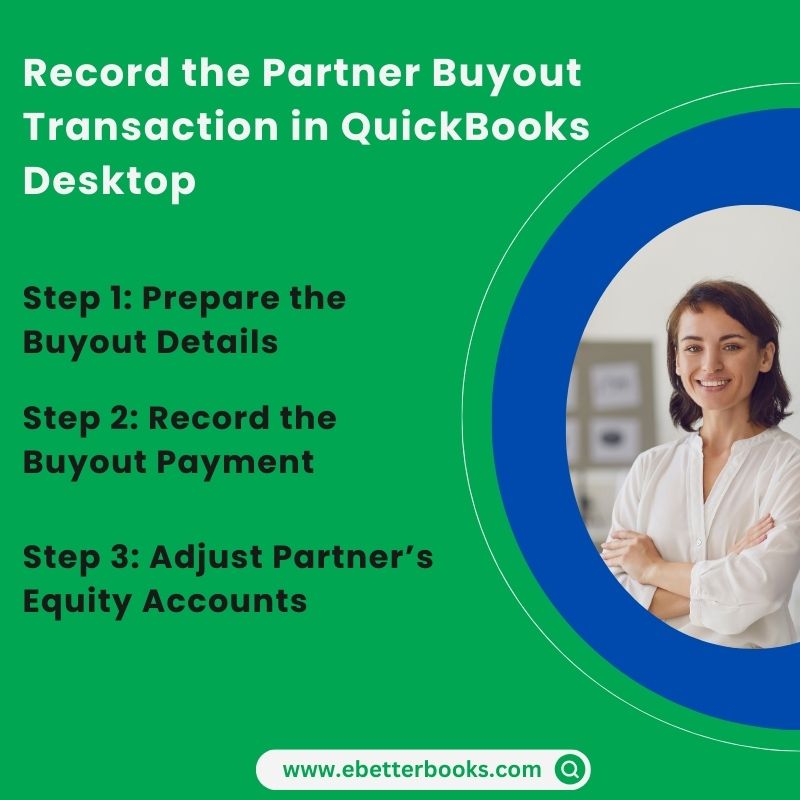
Before recording a partner buyout in QuickBooks, it is important to accumulate all the important details related to the transaction at one place such as transaction history, asset valuation, and interest for the ownership between the partners included.
This crucial information helps you to better understand the tax implications and equity distribution. The transaction history on the other hand gives insights into the partnership evolution, enabling accurate documentation of the buyout process.
Asset valuations determine the fair market value of the entities being bought out or transferred and allows you to interpret the financial obligations and equity adjustments. Ownership interests showcase the proportions of ownership each partner holds. This is important for recalculating the ownership structure post-buyout. Combining these elements ensures a complete and accurate recording of the partner buyout in QuickBooks.
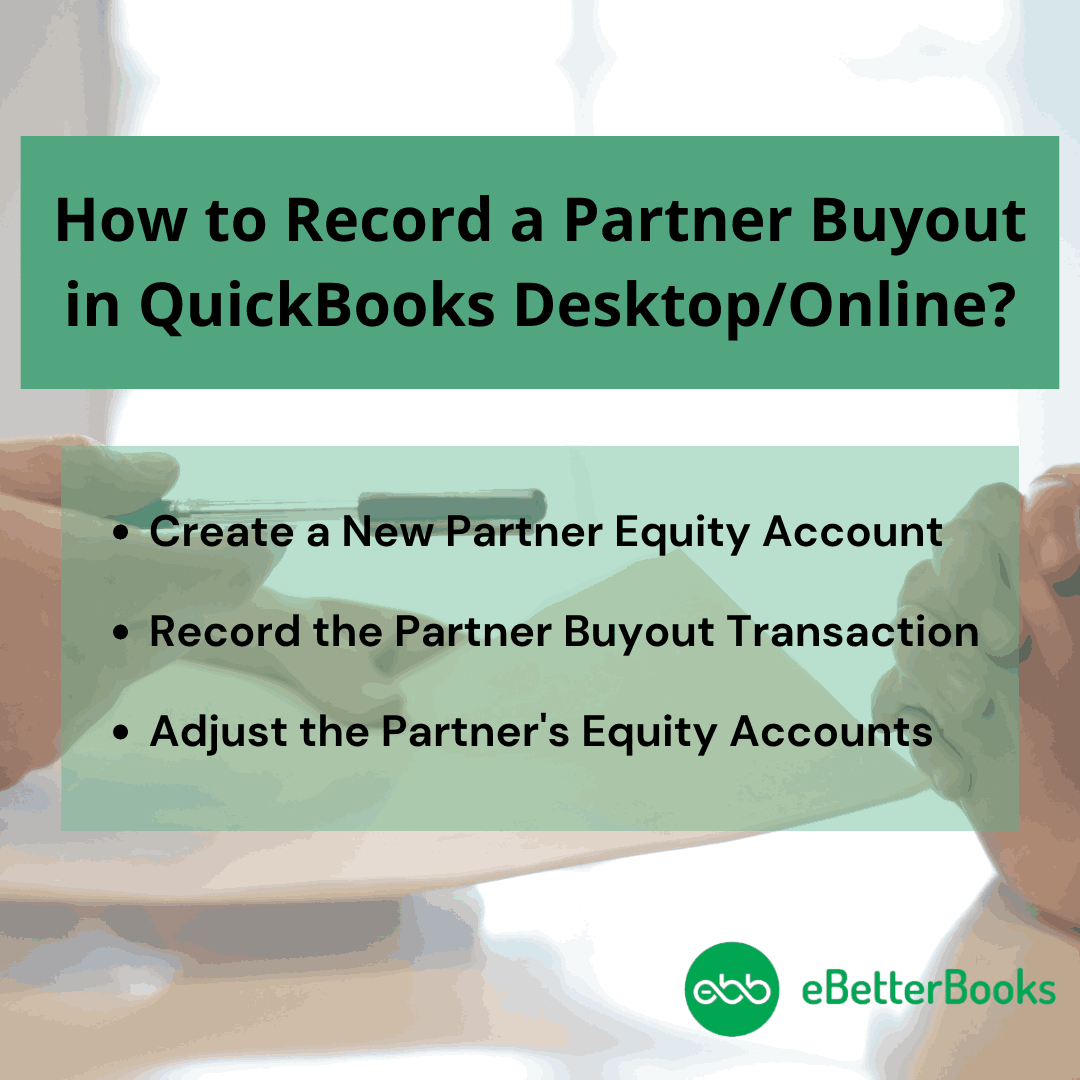
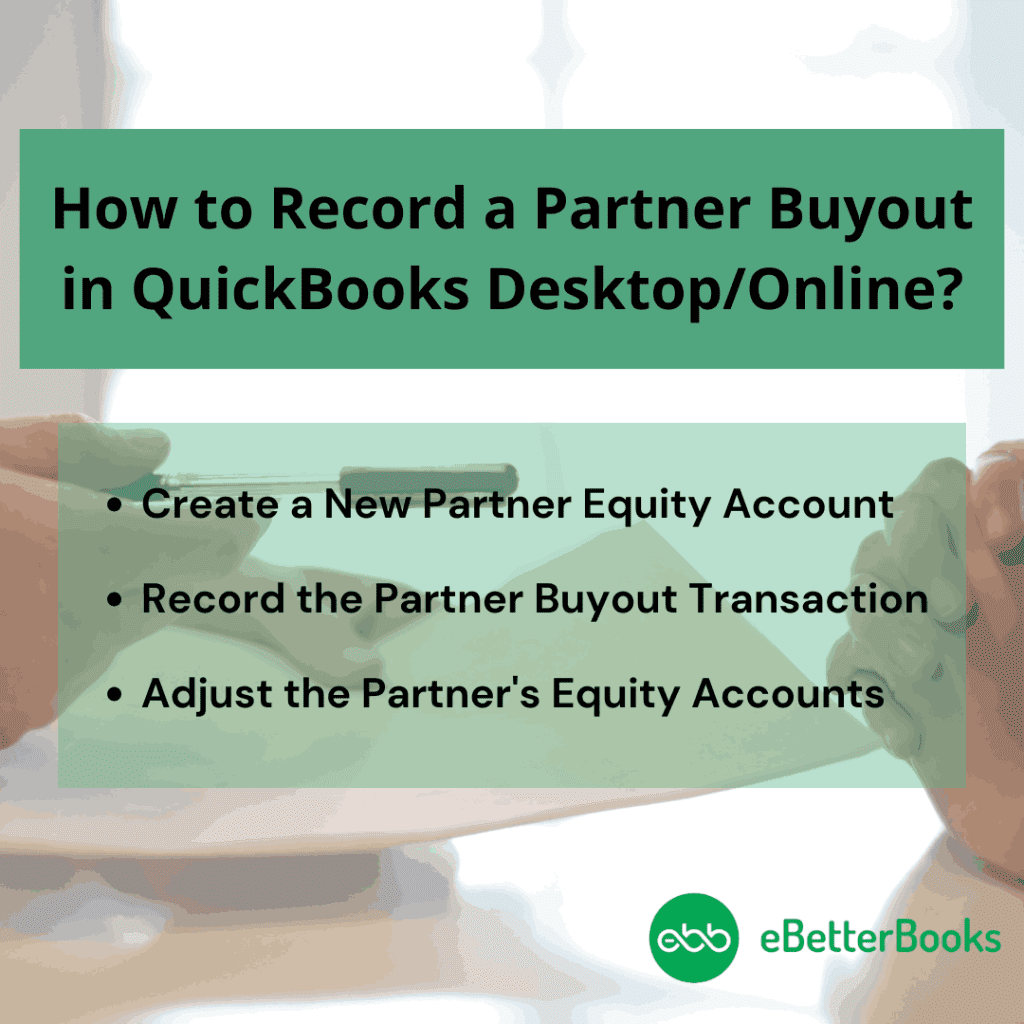
Creating a new partner equity account in QuickBooks allows for a clear segregation of the partner’s investments, distributions, and share of profits within the accounting system. This not only ensures accurate tracking of the partner’s financial contributions and entitlements but also facilitates the proper allocation of business assets and liabilities associated with the buyout.
To create a new partner equity account in QuickBooks, set up each owner or partner as a vendor. Navigate to Expenses, select Vendors, choose New Vendor, fill out the form, and press Save.
QuickBooks uses vendors as a way to track what you, partners, or co-owners contribute to your business. If you, an owner or partner, want to make a contribution, you need to set up a vendor for every person. Here’s how to set up accounts to track money that your partners or owners invest in or draw from a business.
When you’ve set up your owner or partner as a vendor, you need to set up their owner or partner equity account. These accounts allow you to see what someone invests in and draws from a business.
If you’re the sole owner, you need to set up just one equity account.
Here’s how:
Before setting up accounts for more than one partner or owner, you’re required to create one equity account. After this, you can create separate equity accounts for each partner or owner.
If you’re filling out the info on the equity account, just choose Is sub-account and then enter the parent account.
When you record a partner buyout transaction in QuickBooks, it helps you to maintain accurate and transparent financial records, ensuring smooth business operations and compliance with regulatory standards. By updating QuickBooks with the relevant details of the buyout, such as changes in ownership shares and equity, the business can effectively track the flow of funds and facilitate smooth transitions.
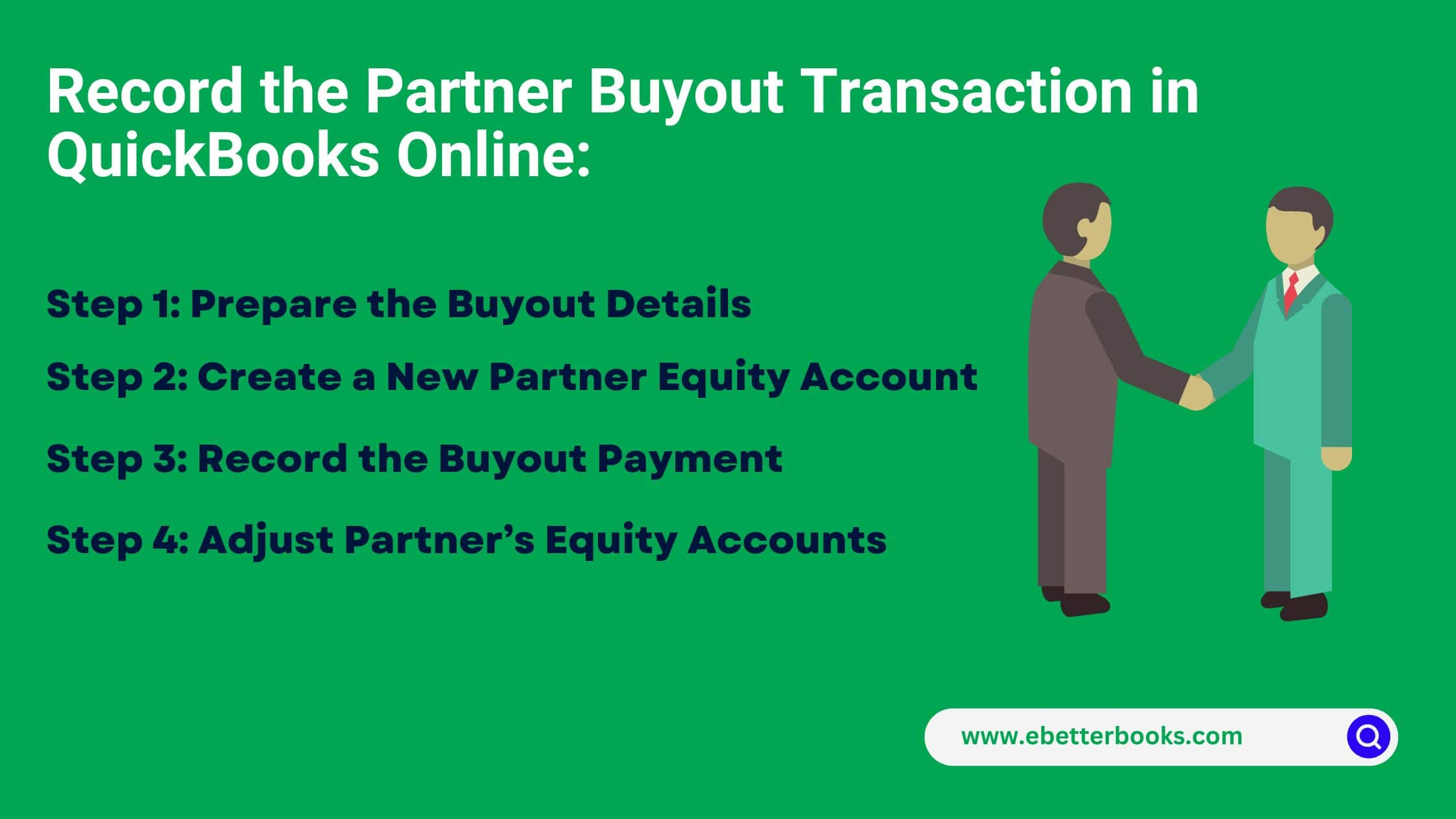
Important Note: Setting up a dedicated equity account for the partner buyout ensures that all associated transactions are clearly separated from the company’s other financial activities.
Adjusting the partner equity accounts in QuickBooks is crucial to align with the new ownership structure, informed business decision-making and effective financial planning. This adjustment ensures that the business expenses and profits are distributed in a manner that reflects the current ownership distribution, which typically helps to maintain transparency and accuracy in financial records.
Review the Balance Sheet:
Evaluate the Balance Sheet:
A partner buyout can have significant tax implications, affecting the tax consequences for the involved partners as it changes the respective shares and the necessary tax filing requirements.
When a partner buyout occurs, it can trigger capital gains tax implications for the selling partner, depending on the difference between the buyout cost and the partner’s adjusted tax in the partnership. The remaining partners may need to make share adjustments to reflect the new ownership structure which impacts the individual tax liabilities.
The partners involved in the buyout must comply with certain tax filing obligations, such as reporting the transaction and any resulting income or losses on their tax returns.
When recording a partner buyout in QuickBooks, there are several mistakes you need to avoid, including as follows:
These kinds of errors may lead to disputes and financial discrepancies down the line as well as impact tax liabilities and throw off your financial statements. Thus, the buyout is accurately recorded in QuickBooks is essential to maintain the cash flow, profitability and overall financial health of the company.
For users, it’s important to know how the buyout affects each partner’s capital account and to record any gains or losses accurately. Plus, partner buyouts can have complex tax consequences. If you fail to consider them, this may result in unexpected tax liabilities, inaccurate profit distributions and distort your company’s financial position.
Accurately recording a partner buyout in QuickBooks goes beyond journal entries and equity adjustments. It requires understanding legal, financial, and structural elements that impact how ownership changes are documented. In this section, we’ll explore five practical subtopics—each focused on real-world business scenarios like legal documentation, valuation methods, CPA involvement, business structure differences, and post-buyout equity planning. These insights will help you avoid compliance issues, eliminate reporting errors, and ensure a smooth ownership transition inside QuickBooks.
A partner buyout must begin with three key legal documents: the Buyout Agreement, the Amended Partnership Agreement, and a Valuation Statement. The buyout agreement should outline the purchase price, timeline, and payment method. An amended agreement is required to update ownership details, profit-sharing ratios, and partner roles. The valuation statement supports fair pricing and avoids future disputes. Without these, QuickBooks entries risk being incomplete, leading to audit issues, equity misstatements, or legal non-compliance. Ensure all documents are signed, notarized, and stored digitally. These three steps protect your business legally, financially, and operationally before any data entry begins in QuickBooks.
Before any QuickBooks entry, conduct a three-point valuation: assess asset contributions, profit share history, and market value of equity. Start with current asset valuation to determine each partner’s tangible stake. Then, review historical profit withdrawals to reflect performance-based adjustments. Lastly, compare the partner’s equity to industry benchmarks for fair market alignment. Skipping valuation can lead to overpayment, underreporting, or equity imbalance in your books. For accuracy, involve a CPA, use a business valuation tool, and ensure the result matches the balance sheet structure in QuickBooks. Proper valuation ensures transparent buyout records and regulatory confidence.
A CPA ensures accurate valuation, error-free journal entries, and tax-compliant reporting during a partner buyout. They validate financial data, confirm asset values, and identify hidden liabilities. CPAs also structure equity adjustments in QuickBooks to reflect real-time ownership changes. Without professional input, businesses risk misallocating equity, missing deductions, or violating tax codes. An accountant helps track installment payments, reconcile equity accounts, and prepare post-buyout financials. For small businesses, this guidance prevents costly mistakes and ensures a legally sound transition. Always involve a CPA before updating any partner-related data in QuickBooks.
LLCs and Partnerships differ in equity structure, tax treatment, and owner roles, which affects how buyouts are recorded in QuickBooks. In LLCs, equity is often split by percentage, so journal entries must adjust capital accounts, distributions, and retained earnings accordingly. In Partnerships, buyouts usually involve fixed capital accounts, requiring direct adjustments to each partner’s ledger. LLCs may need to handle member loans or guaranteed payments, while partnerships typically use profit ratios for equity shifts. Misunderstanding these structures can result in overstated assets, misreported ownership, or IRS discrepancies. Tailor QuickBooks entries based on your legal business type for accuracy.
After a buyout, equity redistribution requires three strategic steps: recalculate ownership percentages, adjust capital accounts, and update profit-sharing ratios. Start by subtracting the exiting partner’s equity from the total and reallocating it based on remaining partners’ agreements. Then, in QuickBooks, adjust each partner’s capital account through a journal entry that reflects the new ownership structure, retained earnings, and investment contributions. Don’t forget to update all internal records and legal agreements. Incorrect redistribution can cause reporting conflicts, tax misalignment, or partnership disputes. Always document and execute changes clearly in both QuickBooks and official partnership records.
Recording a partner buyout doesn’t end with journal entries—it extends to audits, tax alignment, legal updates, and communication protocols. This section covers five actionable supplementary topics designed to strengthen your financial reporting and prevent compliance errors. From maintaining audit trails to syncing tax software, each piece adds a critical layer of accuracy, transparency, and operational control. These best practices ensure your QuickBooks records stay clean, auditable, and fully aligned with legal and financial standards after the buyout.
Maintaining a clean audit trail involves three essential practices: document uploads, consistent memos, and segregated equity accounts. Always attach digital copies of buyout agreements and payment proofs directly to QuickBooks transactions. Use consistent and specific memos like “Partner A Buyout – Final Payment” across checks, journal entries, and adjustments. Set up a dedicated equity sub-account to isolate the transaction, avoiding confusion in future audits. Skipping these steps can lead to missing evidence, compliance penalties, or delayed financial reviews. A strong audit trail increases trust with investors, simplifies tax filing, and protects your business during scrutiny.
Watch for three critical red flags: mismatched account balances, unexplained capital shifts, and missing supporting documents. If equity totals don’t align with balance sheet values post-buyout, there’s likely an entry error. Sudden changes in a partner’s capital account without journal justification signal inaccurate reporting. Missing signed agreements or valuation records can trigger compliance risks, tax audits, or partner disputes. In QuickBooks, always verify that debits and credits are equal, use detailed memos, and cross-check equity reports. Ignoring these signs may damage financial integrity and legal credibility. Spot red flags early to maintain clean books and partner trust.
To streamline tax compliance, follow three integration steps: sync equity changes, map expense categories, and verify depreciation updates. First, ensure the buyout journal entries in QuickBooks align with your tax software’s equity structure. Second, map legal fees, consulting costs, and asset write-offs to correct tax-deductible categories. Third, adjust depreciation schedules for any assets reassigned during the buyout. Failure to integrate properly can result in incorrect tax filings, missed deductions, or IRS penalties. Use compatible software like TurboTax or ProConnect, and consult your CPA to verify accuracy. This ensures that your buyout entries translate cleanly into year-end tax returns.
Clear communication involves three action steps: notify stakeholders, update financial partners, and revise legal records. Start by informing internal stakeholders—employees, managers, and advisors—through formal communication outlining the buyout and new roles. Then, update banks, lenders, and investors with revised ownership documents and QuickBooks financials. Lastly, amend ownership details in legal registrations like GST, PAN, or partnership deeds. Poor communication can cause credit disruptions, compliance issues, or loss of investor trust. Consistent, timely updates ensure smooth transitions, protect funding access, and reinforce operational credibility post-buyout.
After recording the buyout, perform a three-step financial review: reconcile equity accounts, verify bank transactions, and review updated financial reports. First, ensure partner capital accounts match the agreed post-buyout structure. Next, cross-check the buyout payment in bank feeds with the journal entries. Finally, run an updated balance sheet and profit & loss reports to confirm accurate reflection of ownership changes. Skipping this review can lead to misstated reports, partner conflicts, or audit flags. Use a detailed checklist to verify all entries, documents, and balances are accurate. This step secures long-term financial clarity and reporting integrity.
A buyout agreement is a legally binding contract stating that when a co-director leaves the business, either voluntarily or involuntarily, the other co-director(s) will be given the option to buy their shares. The opportunity to buy out a partner may be introduced without notice if the partner decides to accept a new job or pursue another business venture.
Starting a business with a partner can help raise funds faster, spread the financial risk and divide directorial responsibilities. There are many reasons behind a partnership buyout such as partnership split, sole ownership, criminal activity reduction and much more.
The final equity adjustment requires a two-line journal entry (JE) to zero out the selling partner’s remaining capital and record the payment against the asset account.
The entry involves:
This JE formalizes the transfer of funds and eliminates the specific capital account balance from the partnership’s books, reflecting the buyout date.
While a Journal Entry (JE) can achieve the same double-entry accounting effect, recording the payment via the Write Check or Expense feature is the best practice for accurate bank reconciliation and a stronger audit trail.
For a partner buyout to be financially and legally sound, the QuickBooks entries must be supported by official, signed legal documentation to protect all parties.
The key legal documents include:
The sale of a partnership interest is generally treated as the sale of a capital asset, triggering a capital gains tax obligation for the selling partner, although the business has specific reporting duties.
A partner buyout is a specialized transaction that involves complex tax rules, valuation issues, and legal risk, which significantly exceeds standard bookkeeping procedures.
A CPA ensures:
While both entities use equity accounts, their legal and tax structures dictate the internal accounting required for a buyout.
After recording the transaction, a financial review should check for these signs of error:


