Excerpt:
QuickBooks Error 2107 prevents payroll from being processed via direct deposit, often due to system file issues, corrupted registries, or outdated software. To resolve it, users can update QuickBooks, run the System File Checker, repair the Windows registry, or perform a system restore. These steps ensure smooth payroll operations, allowing timely employee payments and reducing system errors for effective business management.
 Add As A Preferred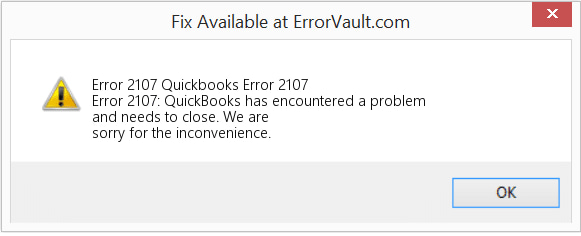
QuickBooks Error 2107 is a payroll-related issue that occurs when QuickBooks Desktop fails to process or transmit employee salary payments through the Direct Deposit (DD) feature. The error appears during payroll processing and interrupts the transfer of funds to employees’ bank accounts, preventing the direct deposit transaction from completing successfully.
When this issue occurs, QuickBooks may display messages such as:
This error typically arises due to problems that disrupt payroll communication with the server. Common triggers include misconfigured payroll or direct deposit settings, an inactive or expired payroll subscription, unstable internet connectivity, or temporary service outages. It may also occur if important QuickBooks records are deleted or damaged, Windows system files are corrupted, or the QuickBooks Desktop version is outdated.
Error 2107 appears when QuickBooks Desktop Payroll cannot send a direct deposit transaction to Intuit’s payroll service. Intuit’s community team lists internet, security and software causes, and its agents add payroll verification holds.
QuickBooks Error 2107 can occur due to system configuration issues, damaged files, connectivity problems, or incorrect payroll settings that interfere with the direct deposit process. The following solutions help identify the underlying causes and restore normal payroll processing in QuickBooks Desktop.
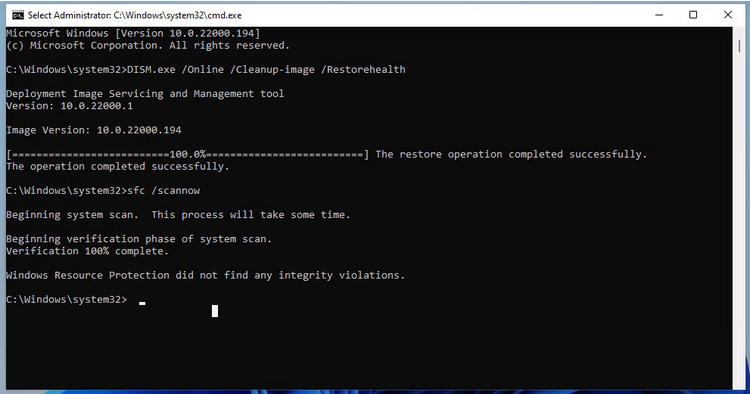
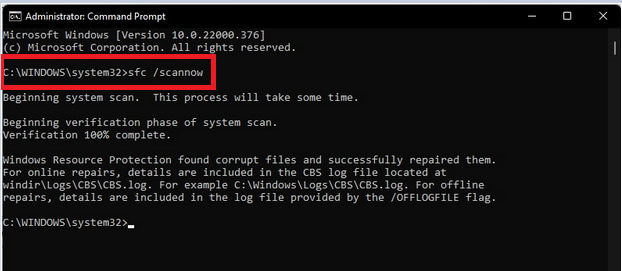
Corrupted or damaged Windows system files can interfere with the communication required for payroll processing and direct deposit transmission. Running the System File Checker (SFC) scans the system for corrupted files and automatically repairs them, helping restore proper system functionality and allowing QuickBooks to communicate with payroll services without interruptions.

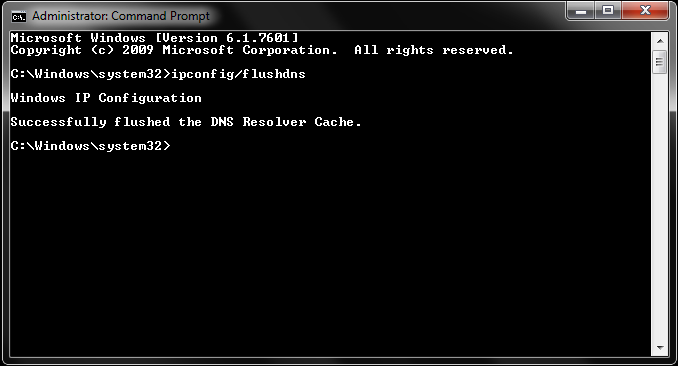
An outdated or corrupted DNS cache can prevent QuickBooks from establishing a proper connection with payroll servers. Clearing the DNS cache refreshes network settings and resolves connectivity issues that may block payroll communication.
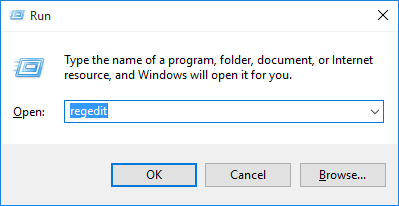
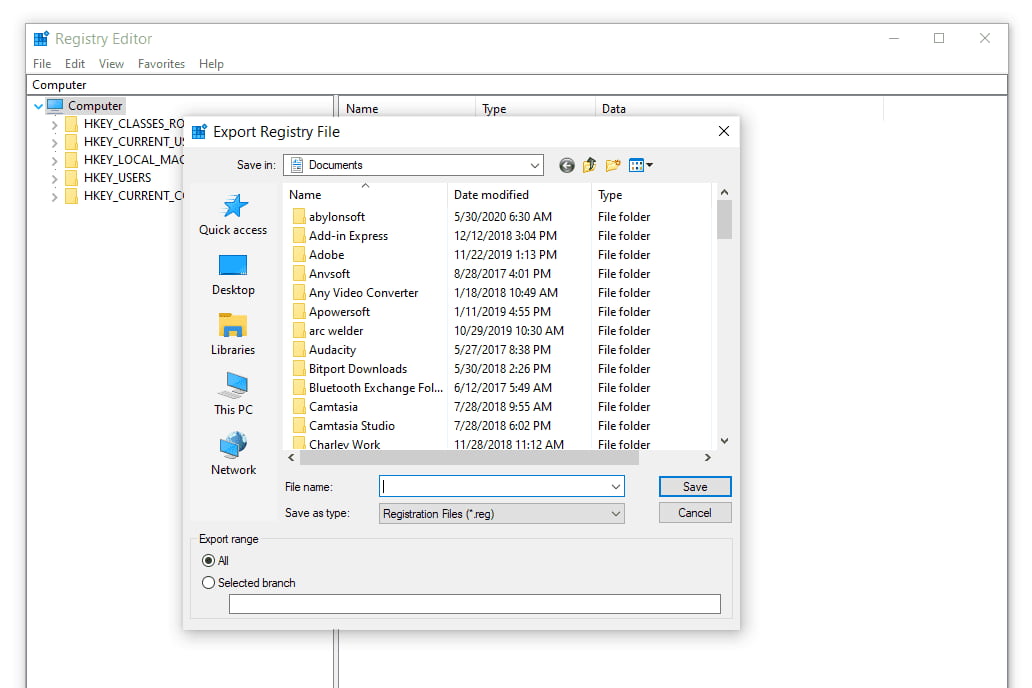
Damaged or misconfigured Windows registry can cause communication issues between QuickBooks and payroll services. Creating a backup of the registry helps safeguard system settings before making changes and ensures that registry-related issues do not disrupt payroll operations.
Note: Enter the administrator password or provide confirmation when prompted.
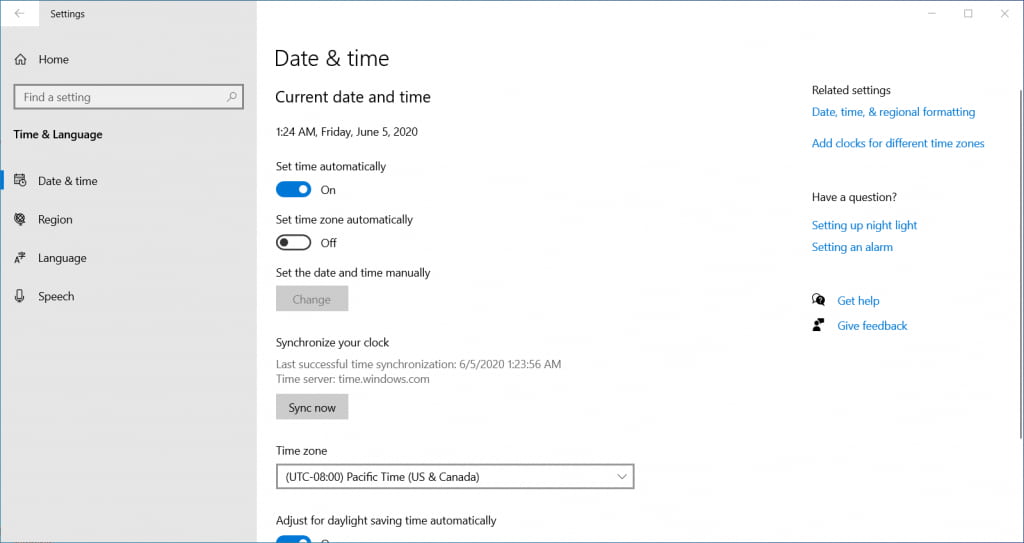
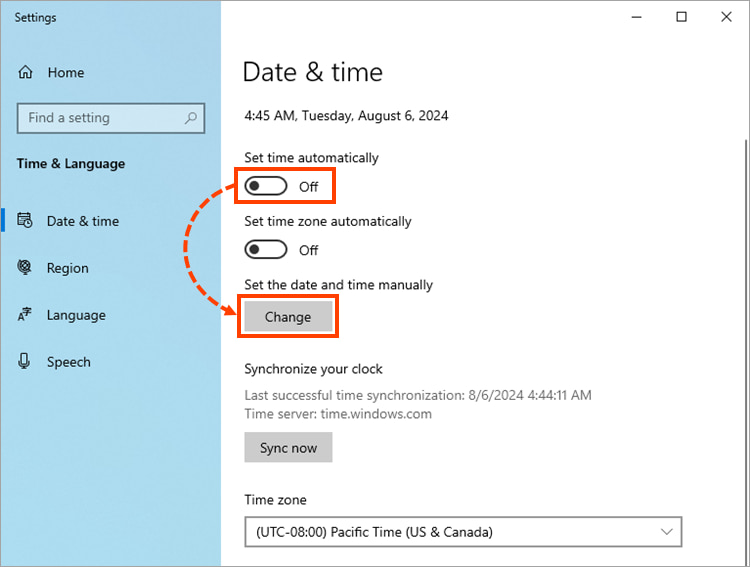
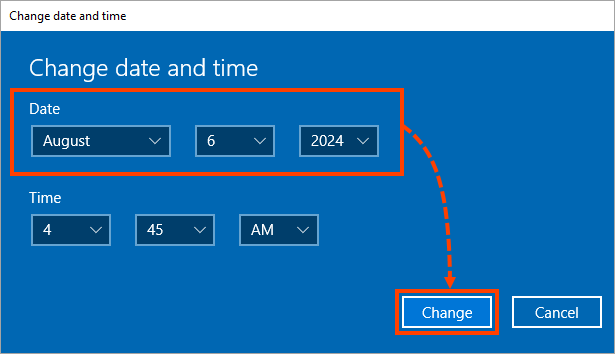
Incorrect system date and time settings can affect digital certificate validation and secure server connections. Ensuring that the correct date and time are configured allows QuickBooks to verify digital signatures properly and maintain secure communication with payroll services.

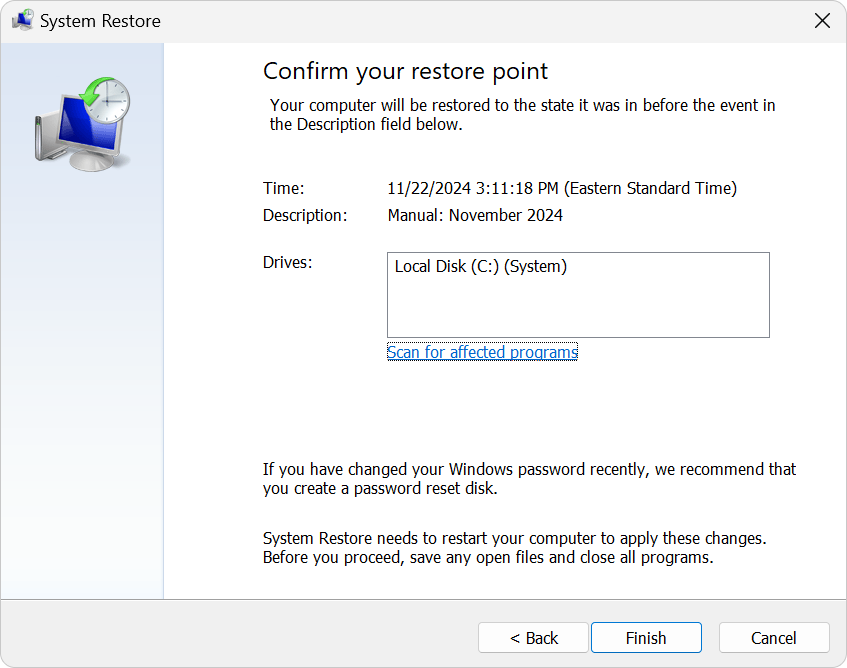
System configuration changes can sometimes lead to QuickBooks Error 2107 by disrupting the settings required for payroll processing. Performing a Windows System Restore returns the system to an earlier stable state, which helps remove configuration conflicts and restore normal payroll functionality.
Note: If the desired restore point is not visible, choose the Show more restore points checkbox to view additional options.
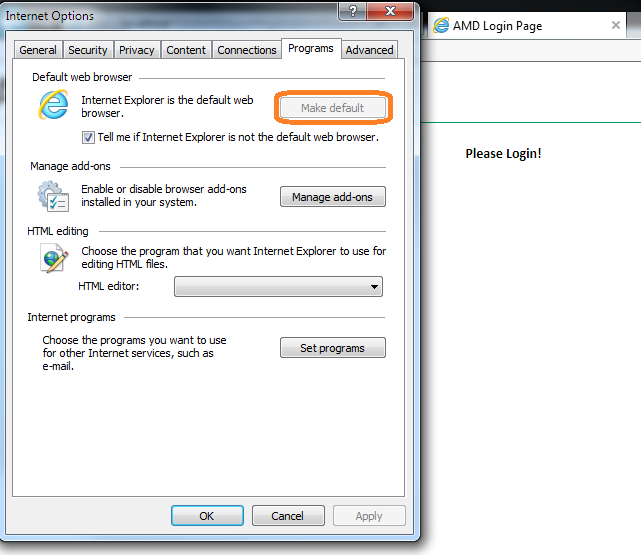
QuickBooks Desktop uses Internet Explorer components for certain web-based services, including payroll connectivity. Setting Internet Explorer as the default browser ensures proper communication between QuickBooks and online payroll services.
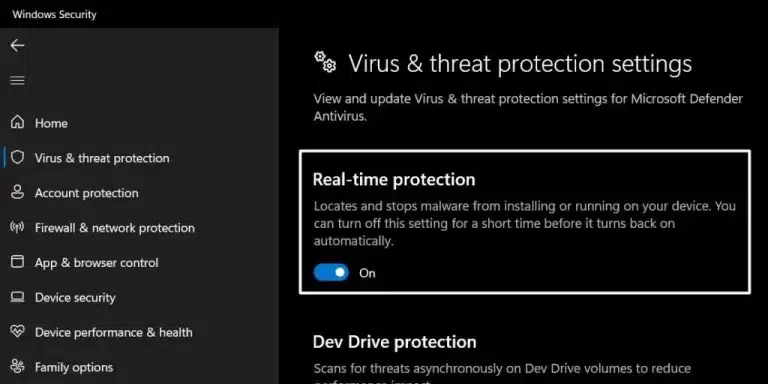
Sometimes antivirus software or security tools may block QuickBooks from connecting to payroll servers. Temporarily disabling the antivirus program helps determine whether security software is interfering with payroll communication.
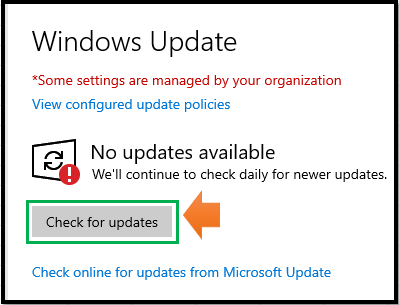
Outdated Windows components can create compatibility issues that affect QuickBooks payroll functionality. Installing the latest Windows updates ensures the system has the latest security patches and performance improvements required for stable operation.
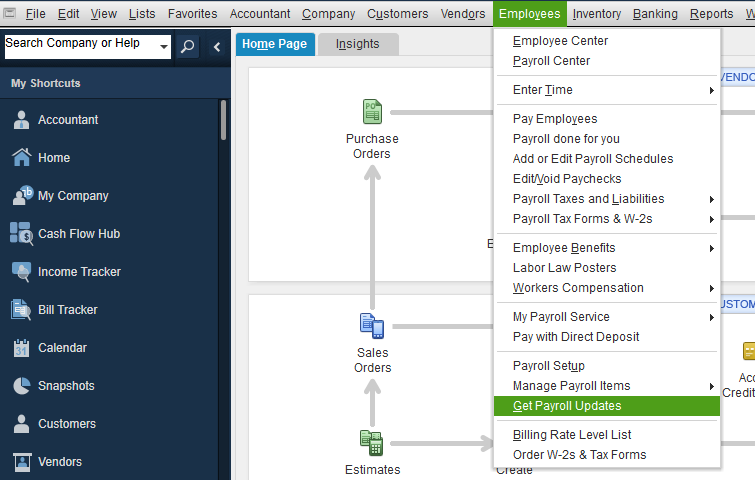
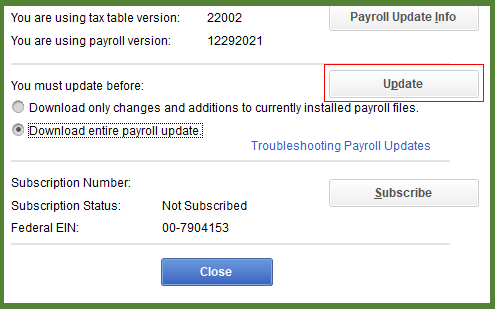
Using an outdated payroll tax table may prevent QuickBooks from processing payroll correctly. Updating the payroll tax table ensures that the software has the latest tax calculations and compatibility fixes required for accurate payroll processing.
Note: The latest payroll update number is 22604 released on January 22, 2026.
QuickBooks Error 2107 is a payroll processing issue that mainly occurs when QuickBooks Desktop fails to transmit direct deposit payments. This problem can arise due to damaged QuickBooks records, system file corruption, incorrect settings, connectivity issues, or an outdated QuickBooks version. Since the error interrupts the direct deposit process, resolving it promptly is essential to ensure employees receive their payments on time.
By reviewing payroll settings, verifying system configurations, updating QuickBooks Desktop, and ensuring a stable internet connection, most cases of Error 2107 can be resolved effectively. Regular software updates and proper system settings also help prevent similar payroll errors and support smooth and reliable payroll operations.


